 sortiwa
Right now, the best 4K gaming monitors on the market are 32-inch 4K OLEDs. While 27-inch models are also available, we find the larger 32-inch panel size more immersive for 4K gaming, and prices aren’t significantly higher than for the smaller models.
But why choose OLED over LCD?
There are two key advantages of OLED panels that significantly enhance the gaming experience compared to LCDs. First, OLEDs have lightning-fast transition times, delivering elite motion clarity that surpasses LCDs running at the same refresh rate. Second, they feature individual pixel control, allowing each pixel to turn off completely to produce deep, true blacks. This also means OLEDs offer per-pixel local dimming for precise HDR control – eliminating the need for traditional backlight zones.
There are two main types of 32-inch 4K OLED panels available: a 240Hz QD-OLED and a 240Hz WOLED. Both offer the same core OLED benefits: fast response times and per-pixel control, but they differ in several ways. Initially, we leaned toward QD-OLED being better, but after extensive testing, we’ve found it difficult to declare a clear winner. Ultimately, your preferences will determine which panel is the better choice. Our in-depth 4K WOLED vs. 4K QD-OLED comparison dives deeper into this.
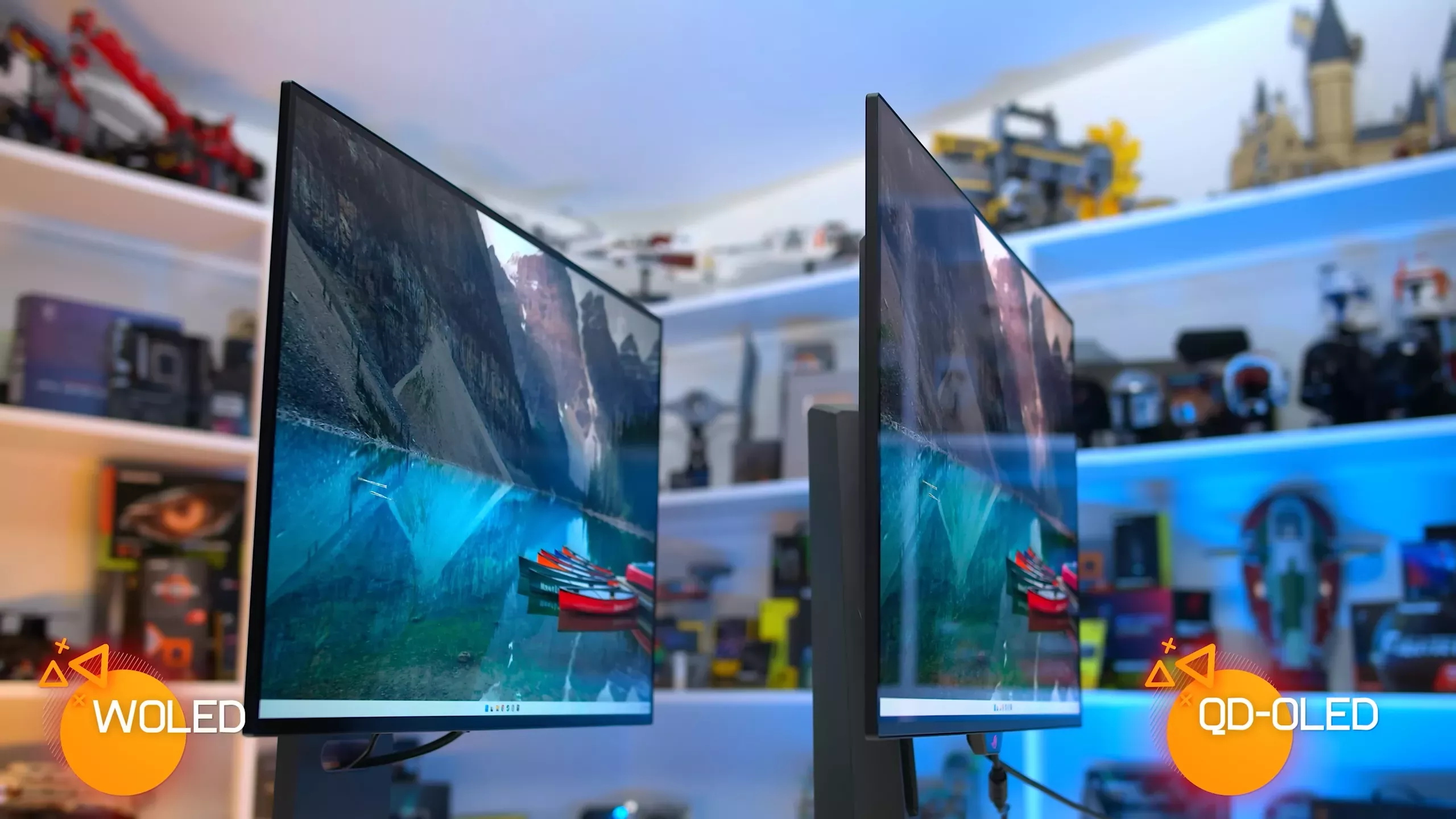
Choose a 4K QD-OLED monitor if you prefer a glossy screen coating. Currently, only QD-OLED models offer this, as all WOLED options use a matte finish. While this is a matter of personal preference, some buyers won’t consider an OLED unless it’s glossy. QD-OLEDs also offer the widest color gamut and highest color brightness. In some cases – though not always – they deliver higher overall brightness.
On the other hand, choose a 4K WOLED monitor if you want access to dual-mode functionality, which allows the panel to switch between 4K at 240Hz and 1080p at 480Hz. This is especially valuable for competitive gaming, offering increased motion clarity and lower input lag.
We’ve found the feature works seamlessly and adds versatility to the panel. WOLEDs also tend to provide a more consistent brightness experience across high and low APL content, eliminating concerns about aggressive panel dimming or toggling between HDR modes.
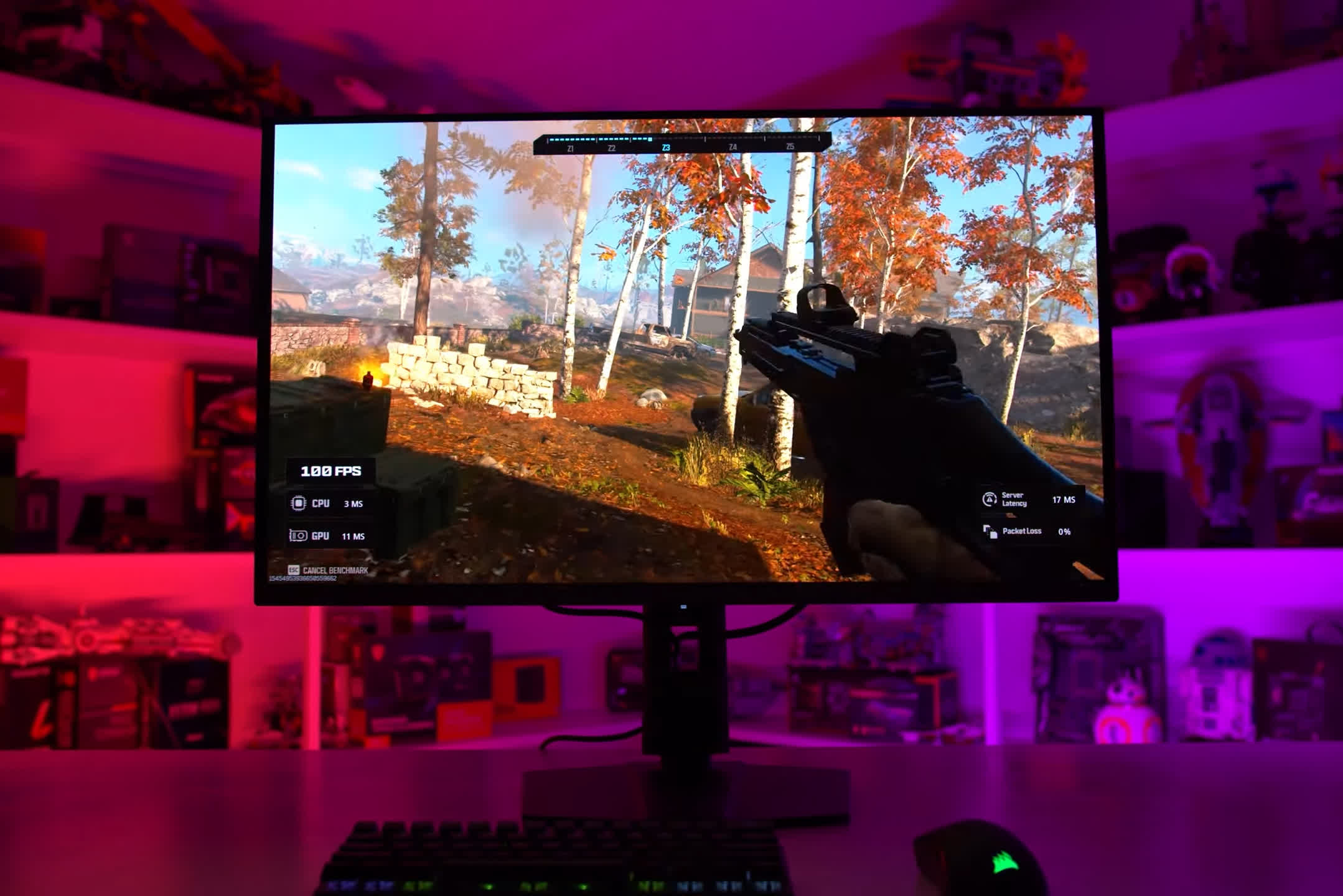
There are many 32-inch 4K OLEDs on the market, and within the two panel families, performance is generally similar. You won’t see major differences in response times, brightness, contrast, or core capabilities. Most models also have similar out-of-the-box configurations. As a result, the best monitor often comes down to manufacturer tuning and additional features.
Here are the monitors we recommend and why:
Here are the monitors I recommend and why you might consider each one:
- Asus ROG Swift PG32UCDM ($980): This is possibly the best overall 4K QD-OLED currently available. It offers a robust feature set including an accurate sRGB mode with unlocked settings, excellent HDR accuracy, ELMB black frame insertion, and Dolby Vision support. While its MSRP is $1,300, we’re seeing regular sales bringing it down to the ~$1,000 range. As of writing, there’s a $200 rebate. At that price, it’s a very strong option.
- MSI MPG 321URX ($1,049) and MSI MAG 321UPX ($950): The MSI 321URX is the better of the two, offering more USB ports and superior factory calibration. The 321UPX is available if you’re looking to save a bit more. They lack some of the premium features found on the Asus model, such as black frame insertion and Dolby Vision support, but still deliver excellent performance and strong value. MSI also offers the MPG 322URX, which is nearly identical to the 321URX but includes DisplayPort 2.1 instead of 1.4.
- Dell Alienware AW3225QF ($899): This is the go-to model if you prefer a curved screen. We personally prefer flat panels at this size and aspect ratio (32-inch, 16:9), but for curve enthusiasts, Dell has you covered. Performance is very similar to the Asus and MSI offerings, and it includes Dolby Vision support. In many regions, it’s also among the most affordable options.
- Gigabyte Aorus FO32U2P ($1,299) and Gigabyte Aorus FO32U2 ($829): These are solid monitors but can be hard to recommend in some regions due to higher pricing – often several hundred dollars more than competing models. However, they offer more HDR mode customization than competitors and excellent calibration. The FO32U2P includes DisplayPort 2.1, which contributes to its higher price, but we don’t think it justifies a substantial premium. We generally lean toward the FO32U2.
- Samsung Odyssey OLED G8 G80SD ($1,049) and OLED G8 G81SF ($1,299): These QD-OLED models from Samsung offer a matte finish, which is rare among QD-OLEDs. We’ve tested the G81SF and found it to perform well, although calibration isn’t as strong as models from other brands. The G80SD includes smart TV functionality, while the newer G81SF does not. If you find one of these on sale, it could offer excellent value, but we think the MSRP is too high.
- Asus ROG Swift PG32UCDP ($1,200): This is our recommended 4K WOLED model. We’ve also tested the LG 32GS95UE, but the Asus version stands out for its superior tuning, performance, and features. Choose the PG32UCDP if you want WOLED with dual-mode functionality, better brightness in bright scenes, and a matte coating. It’s an excellent display but priced a tad higher than most others.
Let pricing and the key features we just mentioned drive your decision. All of these models have strengths worth considering, and the performance differences between them aren’t drastic. These 4K 240Hz QD-OLED and WOLED panels are top-tier displays, and we believe you’ll be very satisfied with any of them.
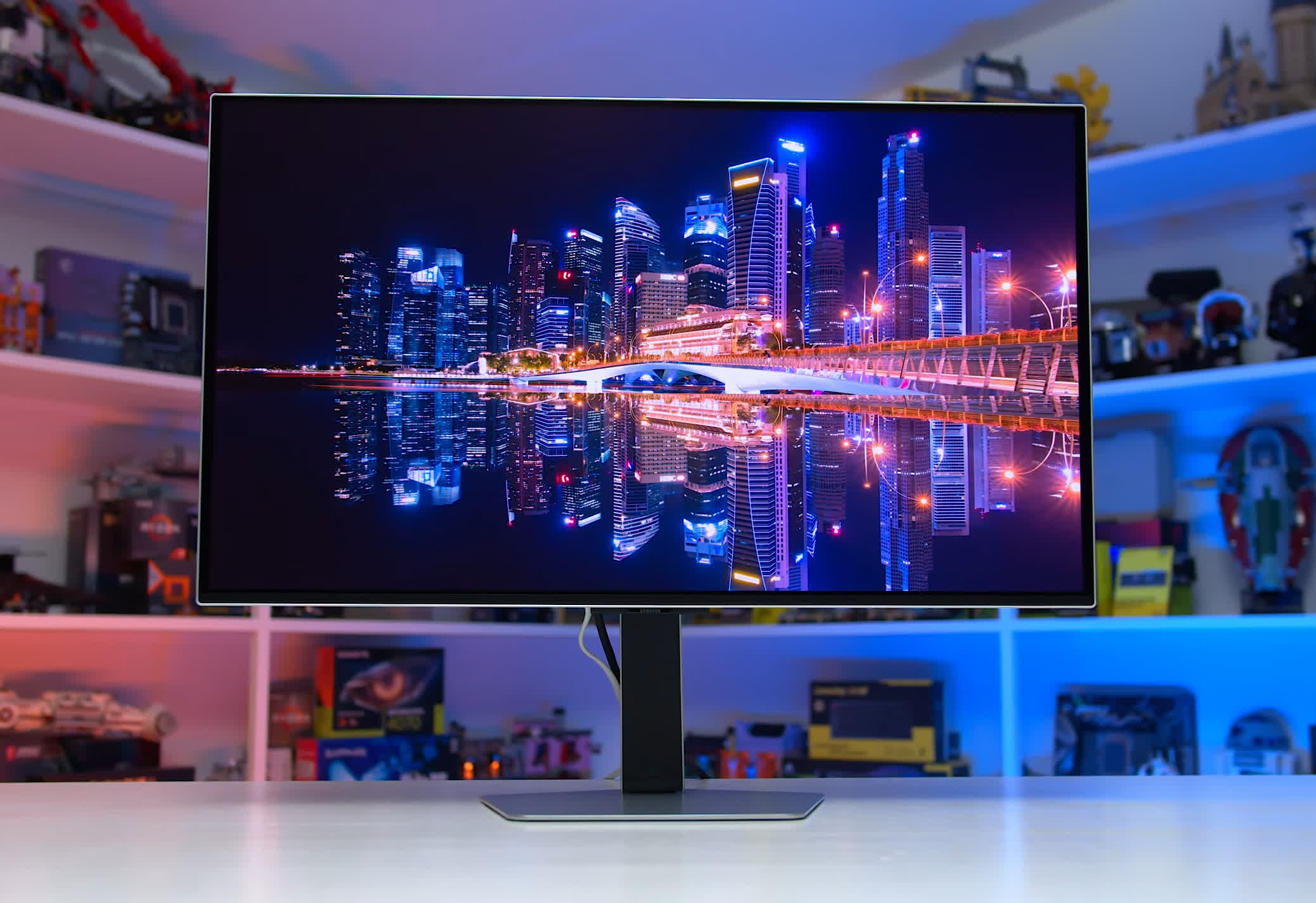
Samsung Odyssey OLED G8 G81SF
We generally recommend OLED displays for content consumption, such as gaming or video playback. There is a risk of permanent burn-in with OLEDs, especially when displaying static content like productivity apps or web pages. For mixed or work-heavy usage, it’s still difficult to recommend OLED at this time.
What about 4K LCD monitors for HDR gaming?
Right now, these are hard to recommend because OLED panels are simply better. We understand some are concerned about brightness or burn-in with OLEDs, but most alternative LCD options currently on the market are underwhelming.
The Samsung Odyssey Neo G7 remains available and you can often find it for around $700. It’s a solid 32-inch 4K 165Hz VA LCD with a 1,196-zone full-array local dimming backlight. It offers fast response times, impressive HDR performance, and no risk of burn-in. This is usually our top LCD alternative, though we’re still looking for a better option – ideally something with a 240Hz refresh rate and without major flaws. Until then, the Neo G7 remains our recommendation for an HDR-capable LCD gaming monitor.
Source link


